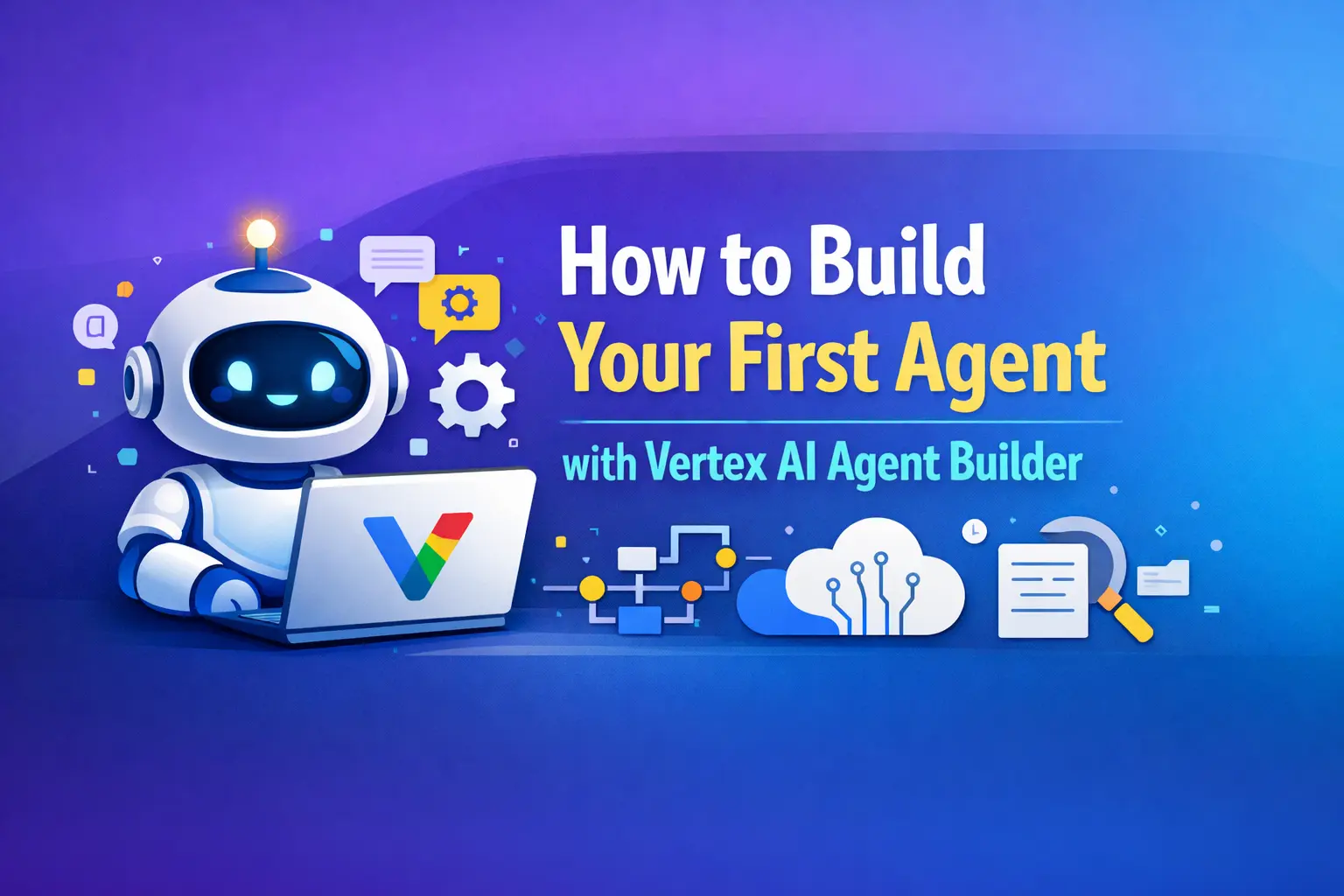
AI agents are quickly becoming one of the most powerful tools in modern software development. Instead of simply responding to prompts, AI agents can complete tasks, access data, interact with APIs, and automate workflows. One of the most popular platforms for building these systems today is Vertex AI Agent Builder.
If you’re new to agent development, this guide will walk you through how to build your first agent using Google Vertex AI Agent Builder in a simple, practical way. By the end, you’ll understand how the platform works and how you can create a functional AI agent step by step.
Vertex AI Agent Builder Overview
Before building anything, it’s important to understand what Google Vertex AI Agent Builder actually does.
Vertex AI Agent Builder is a platform from Google Cloud that allows developers and businesses to build AI agents capable of performing tasks automatically. These agents can answer questions, retrieve information, connect to business tools, and execute workflows.
Instead of building everything from scratch, the platform provides tools for:
- Designing agent workflows
- Connecting knowledge sources
- Integrating APIs and tools
- Testing and deploying AI agents
Because of this, developers can focus on the logic of the agent instead of spending months building infrastructure.
Why Businesses Are Using Vertex AI Agent Builder
Many companies are experimenting with Vertex AI Agent Builder 2025 solutions because AI agents can automate repetitive tasks and improve customer experiences.
For example, an ecommerce company could build an agent that helps customers track orders, answer product questions, and recommend items. A marketing team could build an agent that gathers data and assists with tasks like how to use AI for keyword research, content planning, and reporting.
AI agents are becoming digital assistants that support teams across departments.
Step 1: Create a Google Cloud Project
The first step in building an AI agent is setting up a Google Cloud project.
Once you create your project, enable Vertex AI services. This gives you access to the tools required to start using Vertex AI Agent Builder.
You will also need billing enabled because some features of the platform rely on cloud resources. However, small projects and testing environments usually cost very little during the early development stage.
Step 2: Access Vertex AI Agent Builder
After setting up your project, navigate to the Vertex AI section in your Google Cloud console and open Agent Builder.
This is where you will create and manage your AI agents. The interface allows you to define how your agent behaves, what data it can access, and what actions it can perform.
The Vertex AI Agent Builder overview section inside the platform helps explain the available components, including knowledge bases, conversation flows, and tool integrations.
Step 3: Define Your Agent’s Purpose
Before building the agent, define its main purpose.
Ask yourself what problem the agent should solve. A focused goal makes the development process much easier.
Examples of simple AI agents include:
- A customer support assistant
- A knowledge base question-answering bot
- A research assistant for marketing teams
For instance, an SEO team might create an agent that helps automate tasks like how to use AI for keyword research, analyzing search queries, and generating topic ideas.
Starting with one clear use case helps you build a reliable agent faster.
Step 4: Add Data Sources and Knowledge
AI agents work best when they have access to relevant data.
Inside Vertex AI Agent Builder, you can connect different types of knowledge sources such as documents, internal databases, or structured files. The agent uses this information to answer questions accurately.
For example, a customer service agent might connect to:
- Product documentation
- FAQs
- Support articles
This grounding process helps ensure that responses are based on real company data rather than generic AI outputs.
Step 5: Configure Tools and Actions
One of the most powerful Vertex AI Agent Builder features is the ability to connect external tools.
Tools allow the agent to take real actions rather than just generating text. For example, the agent could:
- Look up order information
- Retrieve data from a CRM system
- Send notifications or emails
These integrations turn the agent into an operational assistant instead of just a chatbot.
Developers often use the Vertex AI Agent Builder ADK (Agent Development Kit) to define these tool connections programmatically.
Step 6: Test Your AI Agent
Testing is an essential step before deploying any AI agent.
Use the testing environment inside Google Vertex AI Agent Builder to simulate conversations and see how the agent responds. During testing, check for:
- Incorrect responses
- Missing data access
- Tool integration errors
Improving the prompts and adjusting the logic will help your agent perform more reliably.
Testing also helps you identify situations where the agent should escalate a task to a human instead of trying to answer incorrectly.
Step 7: Deploy the Agent
Once testing is complete, the final step is deployment.
After deployment, your agent can be connected to websites, internal dashboards, mobile apps, or messaging platforms. Businesses often start with a small pilot program to monitor performance and gather feedback before rolling out the agent widely.
Understanding Vertex AI Agent Builder pricing is also important during this stage because usage typically depends on compute resources and AI model usage.
Real-World Example of an AI Agent
Imagine a digital marketing agency building an AI assistant for their team.
The agent could automatically analyze search data, suggest content topics, and help with tasks like how to use AI for keyword research. Instead of manually analyzing hundreds of keywords, the agent could summarize opportunities and generate SEO insights.
This kind of automation saves time and allows teams to focus on strategy rather than repetitive analysis.
Final Thoughts
Learning how to build an AI agent might sound complicated at first, but platforms like Vertex AI Agent Builder make the process much easier. With the right setup, you can create agents that automate tasks, assist teams, and improve customer experiences.
The key is to start simple. Focus on one clear problem, build a small working agent, test it carefully, and improve it over time.
As AI agents continue evolving, developers who understand tools like Google Vertex AI Agent Builder will be well positioned to build smarter applications and automation systems. Starting today with your first agent is one of the best ways to prepare for the future of AI-powered software.
TRY TOOLS :-

I’m Kunal Kumar, an engineer and the founder of AI Squaree. With over two years of blogging experience and hands-on testing of AI tools, I share practical, well-researched insights to help readers make smarter decisions in the fast-evolving AI space.