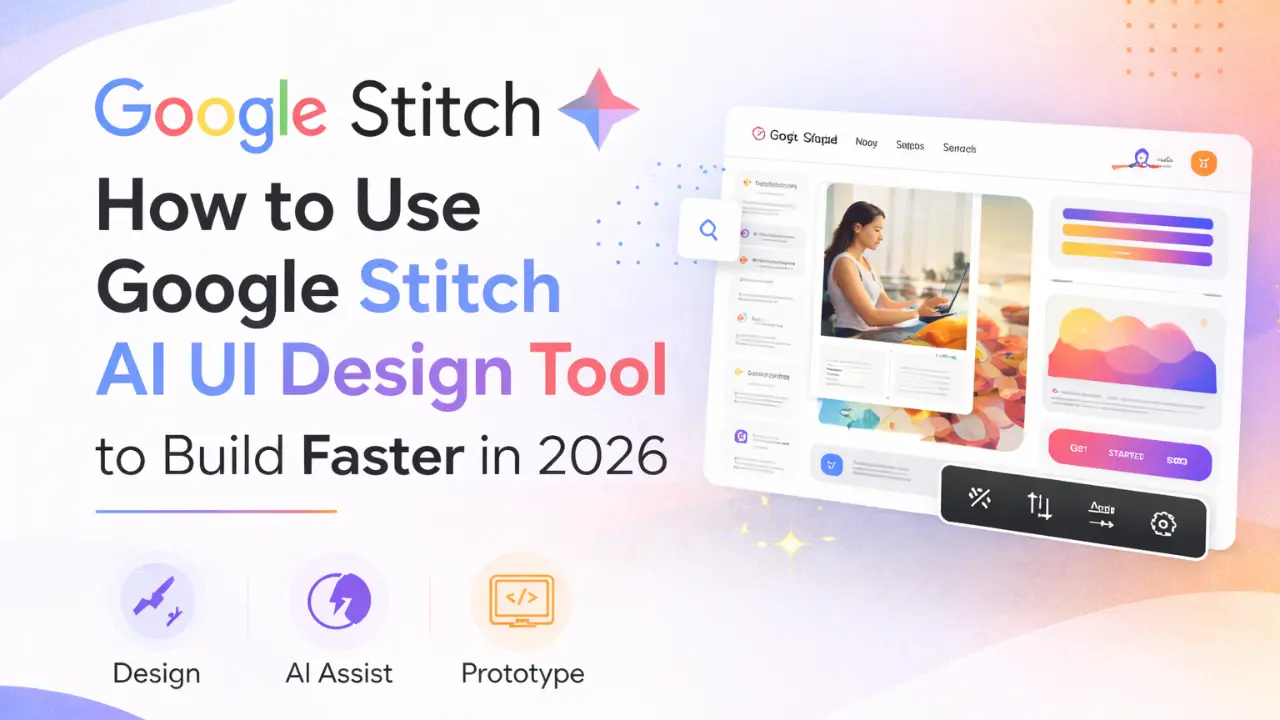
Google Stitch AI: Designing a modern app or website usually takes hours of wireframing, prototyping, and constant revisions. But what if you could describe your idea in a few sentences and instantly get a usable interface?
That’s exactly where Google Stitch AI comes in. This powerful tool is changing how designers, developers, and even beginners approach UI creation. If you want to speed up your design workflow without sacrificing quality, understanding Google Stitch AI is becoming essential in 2026.
What Is Google Stitch AI?
Google Stitch AI is an experimental UI design tool developed by Google Labs that helps you create user interfaces using simple text instructions.
In simple terms, you tell the AI what you want, and it generates a ready-to-use UI layout for mobile apps or websites. This makes it one of the most advanced tools for google stitch ai ui design today.
Unlike traditional design software, Google Stitch UI doesn’t require you to manually place every button or section. Instead, it understands your intent and builds the layout for you.
How Google Stitch AI Works
The core idea behind Google Stitch AI is natural input. You can provide:
- Text prompts (your idea in words)
- Images or sketches
- Website references
The AI processes this input and generates a structured UI layout. This makes google stitch website design much faster compared to traditional methods.
For example, instead of designing from scratch, you can simply write:
“Create a modern food delivery app home screen with search, categories, and featured items.”
Within seconds, the tool generates a clean and structured interface.
Key Features of Google Stitch AI
Fast UI Generation
The biggest advantage of Google Stitch AI is speed. You can go from idea to design in seconds. This is especially useful for early-stage projects and brainstorming.
Multiple Input Types
You are not limited to text. You can upload sketches or reference websites, making the tool flexible for both beginners and professionals.
Iteration and Refinement
Once the design is generated, you can refine it using simple instructions like:
- “Change background to dark theme”
- “Make buttons rounded”
This makes the google stitch ai tool highly interactive and easy to use.
Export and Workflow Integration
Google Stitch AI allows you to move your designs into real workflows. You can export layouts and continue working in design or development environments. This is useful for teams working on real products.
How to Use Google Stitch AI
Using Google Stitch AI is simple, even if you are new to UI design.
Step 1: Start a New Project
Open the Stitch workspace and begin a new design. The interface is clean and focused, so you won’t feel overwhelmed.
Step 2: Choose Your Context
Decide whether you are designing for mobile or web. This helps the AI generate more relevant layouts.
Step 3: Write a Clear Prompt
Your results depend heavily on your input. Be specific about layout, elements, and purpose.
For example:
Weak prompt: “Design a fitness app”
Better prompt: “Create a fitness app dashboard with workout stats, progress chart, and bottom navigation bar”
Step 4: Refine the Design
Once the UI is generated, you can tweak it using simple instructions. This step helps you shape the design exactly how you want.
Step 5: Export Your Work
When you’re satisfied, export the design and continue building your project. This is where google stitch ai ui design becomes truly practical.
Why Google Stitch AI Is Important in 2026
The demand for faster product development is growing rapidly. Tools like Google Stitch AI are helping teams reduce the time spent on repetitive design tasks.
Instead of spending hours creating wireframes, you can focus on:
- Improving user experience
- Testing ideas quickly
- Building better products
This is why many people see Google Stitch AI as the future of UI design.
Google Stitch AI Limitations You Should Know
Even though Google Stitch AI is powerful, it is not perfect.
- First, it mainly focuses on visual design. You still need developers to handle backend logic and functionality.
- Second, complex animations and advanced interactions may not be fully supported yet.
- Finally, it works best for single screens or small flows. Creating an entire multi-screen app still requires manual effort.
Understanding these limitations helps you use the tool more effectively.
Google Stitch Alternatives
While Google Stitch AI is impressive, there are other tools in the market as well. Some alternatives focus on different strengths like wireframing or full code generation.
However, Google Stitch stands out because of its simplicity and speed. It is especially useful for quick prototyping and early-stage design.
FAQs – Google Stitch ai UI Design Tool
Q1. What is Google Stitch AI?
Google Stitch AI is a UI design tool from Google Labs that generates app and website layouts using text prompts, images, or references. It helps you create designs faster without manual effort.
Q2. How to use Google Stitch AI?
To use Google Stitch AI, start a project, describe your UI idea clearly, generate the layout, refine it with instructions, and then export the final design for further use.
Q3. What is Google Stitch used for?
Google Stitch is mainly used for creating UI designs quickly. It is ideal for prototyping, brainstorming, and building initial layouts for apps and websites.
Q4. When was Google Stitch released?
Google Stitch AI was released in 2025 as an experimental tool by Google Labs.
Final Words
Google Stitch AI is changing the way UI design works. It allows you to turn ideas into real layouts faster than ever before, making it a valuable tool for designers, developers, and founders.
While it doesn’t replace human creativity or development, it significantly speeds up the early stages of product design. If you want to improve your workflow and experiment with modern design tools, Google Stitch AI is definitely worth exploring.
The future of design is not just about creativity it’s about speed, iteration, and smart tools. And Google Stitch AI is leading that shift.
TRY TOOLS :-

I’m Kunal Kumar, an engineer and the founder of AI Squaree. With over two years of blogging experience and hands-on testing of AI tools, I share practical, well-researched insights to help readers make smarter decisions in the fast-evolving AI space.