Gemini Prompt for Retro Style: If you want to make eye-catching vintage visuals with AI, learning how to write the right retro prompt for Gemini is one of the smartest places to start. A strong retro prompt for Gemini can help you create everything from 1980s synthwave posters and 8-bit game scenes to old-school fashion edits and nostalgic couple portraits that actually feel real.
The best part? You don’t need to be a designer or spend hours in editing software. You just need clear wording, the right style details, and a little creative direction. In my experience testing Gemini for months on personal projects and client work, a well-built retro prompt for Gemini gives the AI a much better shot at delivering authentic, polished, and visually rich results every single time.
In this blog, I will show you exactly how to do it step by step, share the formula I use myself, and give you ready-to-copy examples that actually work. Let’s get you creating those beautiful vintage looks without the guesswork.
What Makes a Great Retro Prompt for Gemini?
A good retro prompt is more than just saying “make it vintage.” That is too broad. Gemini works better when you describe the era, the mood, the colors, the texture, and the type of artwork you want.
Think about it, “retro style” could mean 70s film grain, 80s neon synthwave, 90s magazine design, or classic pixel art. Each of these looks very different, so the more specific you are, the better your output becomes.
From what I have seen in my own trials, a strong retro prompt for Gemini usually covers these key pieces:
- The subject
- The decade or era
- The visual style
- The color palette
- The mood or atmosphere
- The texture or detail level
An example could be: a futuristic city skyline in 1980s synthwave style, neon pink and blue lights, glowing grid floor, VHS grain texture, cinematic lighting, ultra-detailed.
The Best Formula for a Retro Prompt for Gemini
If you want consistent, high-quality results, follow this simple structure I rely on every time I generate retro images:
Subject + Era + Visual Elements + Color Palette + Mood + Style Details + Quality Enhancers
This formula gives Gemini a clear visual target instead of leaving it to guess. It keeps your prompts focused and your outputs on point.
Let me walk you through it step by step so you can start building your own right away.
Step 1: Start with a clear subject
Tell Gemini exactly what the image is about. Be specific: “a retro travel poster of a beach road” or “a portrait of a young woman in vintage fashion.”
Step 2: Lock in the era
Name the decade. Saying “1980s” or “1990s” gives much stronger direction than just “retro.” This is one trick I learned after wasting time on blurry results early on.
Step 3: Add visual elements and textures
Include details like “VHS grain,” “film noise,” “CRT scanlines,” or “analog distortion.” These words help Gemini recreate that genuine old-school feel.
Step 4: Define the color palette
Retro looks live or die by color. Neon pink and electric blue scream 80s synthwave. Warm oranges and browns feel 70s. Pastel tones nail 90s nostalgia. Always spell this out.
Step 5: Set the mood and atmosphere
Words like “dreamy,” “romantic,” “moody,” or “cinematic” guide the emotional tone. This is where your image stops looking flat and starts feeling alive.
Step 6: Finish with quality enhancers
End with “highly detailed,” “ultra-detailed,” “cinematic lighting,” “high resolution,” or “sharp focus.” These push Gemini to deliver cleaner, more professional results.
Put it all together and you get prompts that actually deliver.
Ready-to-Use Retro Prompt Examples for Gemini
Here are seven practical examples you can copy, tweak, and use today. I’ve tested every one of these myself and they produce strong results.
1. Retro Bedroom Scene
“Create a retro style aesthetic bedroom scene inspired by the 1980s, neon pink and blue lighting, cassette tapes and old posters on the wall, VHS grain, soft glow, dreamy atmosphere, highly detailed, cinematic composition.”
Perfect for wallpapers, posters, or social media content.
2. Retro Style for Men
“Generate a retro style portrait for men inspired by 1990s street fashion, denim jacket and sunglasses, moody background, film grain texture, warm tones, editorial photography style, sharp details, realistic lighting.”
Great for profile pictures or fashion mood boards.
3. Retro Style for Girls
“Create a retro style portrait for girls with a 90s vintage look, pastel outfit and soft makeup, studio backdrop, glossy finish, grainy texture, fashion magazine style, elegant and dreamy mood.”
Ideal for beauty edits and stylish AI portraits.
4. Retro Couple Photo
“Generate a retro style couple photo inspired by the 1980s, standing together under neon lights, romantic atmosphere, cinematic composition, VHS texture, warm glow, vintage color grading, highly detailed.”
This one shines when you describe the pose and emotion clearly.
5. Soft Retro Couple Portrait
“Create a retro style couple portrait with a nostalgic 1990s look, casual outfits, soft sunlight, old film aesthetic, subtle grain, warm color palette, realistic expressions, stylish composition.”
A gentler option for romantic or family-style images.
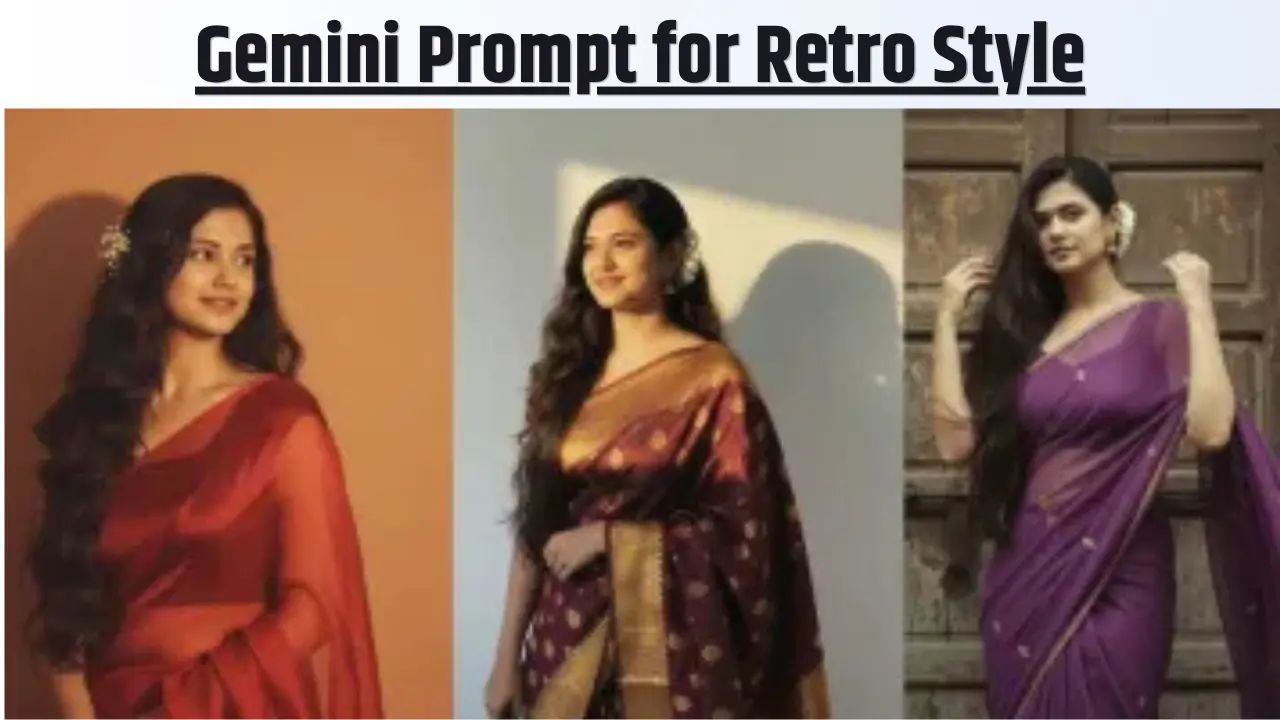
6. Retro Saree Portrait
“Design a retro style saree portrait inspired by classic Indian vintage fashion, elegant saree drape, warm golden lighting, film grain, soft background, 1980s-inspired color tones, realistic facial expression, graceful and refined.”
One of my favorites for cultural and traditional edits that still feel artistic.
7. Retro Style for Boys
“Create a retro style portrait for boys with a 90s arcade-inspired look, casual outfit, bold shadows, grainy texture, colorful background, nostalgic fashion vibe, realistic details.”
Works beautifully for school, college, or fun fashion concepts.
Common Mistakes to Avoid with Your Retro Prompt for Gemini
Even with the formula, it’s easy to trip up. Here are the biggest mistakes I see (and made myself early on):
- Making the prompt too short and vague
- Mixing too many different eras in one image
- Throwing in random keywords that don’t match the scene
- Forgetting to clearly describe the main subject
Keep it simple and focused. In my experience, a clean 60- to 80-word prompt almost always beats a messy 150-word one.
My Experience and Real-Life Tips for Better Results
After creating hundreds of retro images for my own blog and client projects, I have learned a few extra tricks. Always name the exact decade, it’s the single biggest improvement you can make. Mention texture words like “VHS grain” or “analog film” to avoid that too-clean digital look. And if you want more polished results, add “studio finish” or “cinematic lighting” at the end.
One real example: I once helped a friend create a 1980s-style couple anniversary photo. We used the couple formula above but added “holding hands on a rainy neon street.” The result looked like it came straight out of an old movie poster. Small details like that make the difference between “nice” and “wow.”
FAQs About Retro Prompts for Gemini
Q1. How long should my retro prompt for Gemini be?
Aim for 50–100 words. Enough detail to guide, but not so much that it confuses the AI.
Q2. Can I use these prompts in other AI tools?
They work best in Gemini, but the same structure translates well to most image generators.
Q3. Why do my images sometimes look too modern?
You probably skipped texture and era details. Add “VHS grain” or “film noise” and you’ll see an instant shift.
Q4. How do I get more realistic faces?
Add “realistic facial expression” and “natural skin texture”, it helps a lot.
Final Thoughts
A strong retro prompt for Gemini really can help you create beautiful, nostalgic visuals that feel polished and original. Whether you’re making a couple photo, a saree portrait, a men’s fashion edit, or a dreamy 80s bedroom scene, the secret is being clear about the era, colors, textures, and mood.
Start simple, use the formula I shared, and tweak as you go. With a little practice, you’ll be generating vintage-inspired art that looks like it took hours instead of seconds. Give it a try today, your next favorite retro image is just one good prompt away.
READ ALSO:

I am Kunal Kumar, an engineer and the founder of AI Squaree. With over 5 years of blogging experience and hands-on testing of AI tools, I share practical, well-researched insights to help readers make smarter decisions in the fast-evolving AI space.