
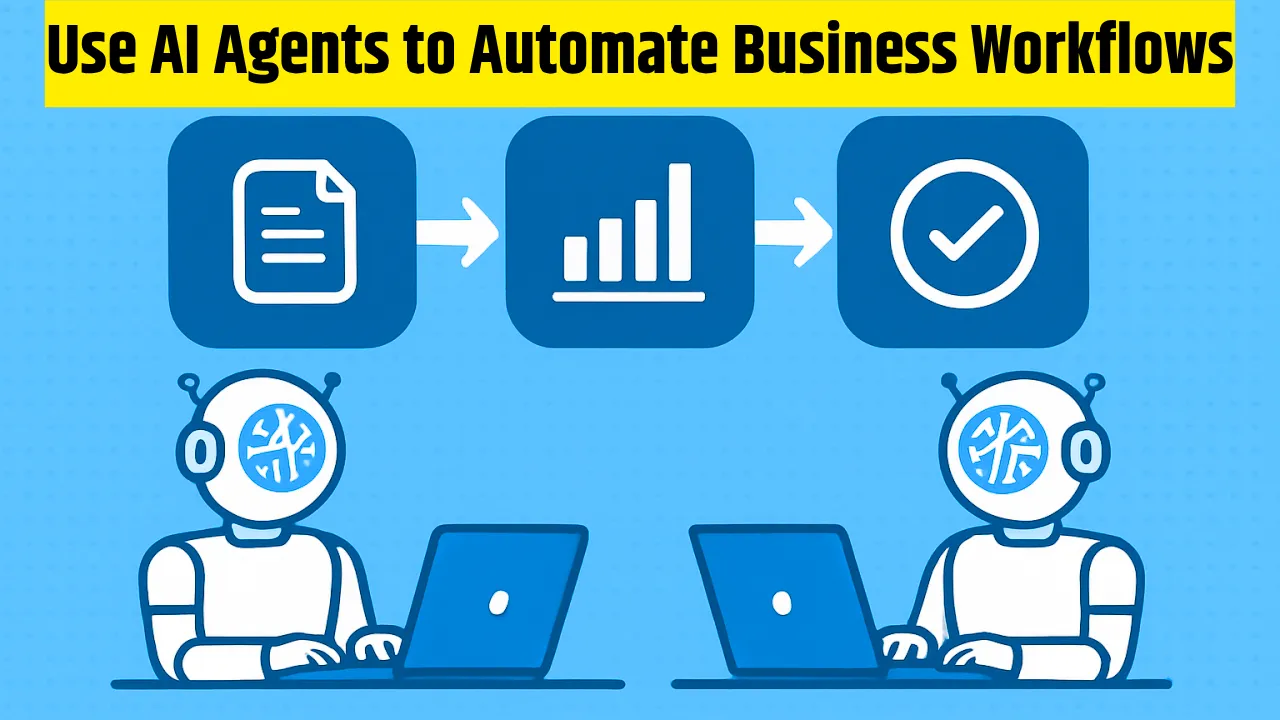
How to Use AI Agents to Automate Business Workflows: You have probably felt it, that constant drag of repetitive tasks eating into your day. Emails piling up, reports that need updating, customer queries repeating like a broken record. In 2026, AI agents are changing that. They are not just chatbots that answer questions; they’re proactive systems that can plan, act, and adapt to get real work done.
In this guide, I’ll walk you through how to use AI agents to automate business workflows. I have tested these approaches in my own content projects and helped other creators and small teams implement them. The results? Hours saved every week, fewer errors, and more time for the creative work that actually moves the needle. Let’s dive in.
What Are AI Agents and Why Do They Matter in 2026?
AI agents are intelligent software that can perceive their environment, make decisions, and execute tasks toward a specific goal. Unlike traditional automation scripts that follow rigid rules, agents use large language models and tools to handle uncertainty and multi-step processes.
Think of them as digital teammates. You give them a goal like “process incoming invoices and update the accounting sheet,” and they figure out the steps: extract data from PDFs, verify details, flag issues, and log everything.
Why now? By 2026, agents have matured. They integrate better with everyday tools like email, CRMs, and spreadsheets. Businesses report real gains, productivity jumps of 20-50% in targeted workflows—because agents handle the boring stuff while humans focus on strategy and relationships.
For content creators and bloggers like us at AI Squaree, this means automating research summaries, social scheduling, or even turning meeting notes into draft outlines. It’s practical, not sci-fi.
Getting Started: How to Identify Workflows Worth Automating
Start small. Don’t try to overhaul everything at once.
First, list your daily or weekly tasks. Ask yourself:
- Which ones are repetitive and rule-based?
- Where do bottlenecks happen?
- What takes too much mental energy but adds little value?
Common candidates include invoice processing, lead qualification, content repurposing, report generation, and customer onboarding.
In my experience, the best first wins come from high-volume, low-variation tasks. For a blogger, that might be monitoring mentions or generating hashtag sets for new posts. Tools like our free AI Hashtag Generator at AI Squaree can feed directly into an agent that posts or schedules across platforms.
Step-by-Step: Building Your First AI Agent Workflow
Here’s a practical framework I have used successfully.
Step 1: Define Clear Goals and Guardrails
Be specific. Bad prompt: “Help with marketing.” Good one: “Every Monday, scan our blog analytics for top-performing posts, generate 5 social variations using our brand voice, and schedule them on LinkedIn and X.”
Set boundaries: when to escalate to a human, data privacy rules, and approval steps for sensitive actions.
Step 2: Choose Your Tools and Platform
You don’t need to code from scratch. Platforms like n8n, Zapier with AI extensions, or dedicated agent builders let you connect agents to Gmail, Google Sheets, Slack, and more.
For content teams, start with no-code options. If you are pulling text from images or screenshots (like competitor ads), our Screenshot to Text Converter integrates nicely into review workflows.
Step 3: Map Data and Integrations
Agents need access. Connect relevant accounts securely. Prepare clean data—messy inputs lead to messy outputs.
Test with sample data first. I once set up an agent to summarize customer feedback. Feeding it raw emails worked okay, but adding structured prompts boosted accuracy dramatically.
Step 4: Test, Monitor, and Iterate
Run pilot tests on a small scale. Track success metrics: time saved, error rate, completion percentage.
Use logging to see where the agent gets stuck. Refine prompts, add better tools, or adjust autonomy levels.
Step 5: Scale with Multi-Agent Systems
Once one workflow works, connect agents. A research agent can pass findings to a content generator, which hands off to an SEO optimizer and social distributor.
Real-World Examples That Deliver Results
Let me share a few I have seen or implemented.
One small e-commerce team automated customer support triage. The agent reads incoming messages, categorizes them, pulls order history, suggests solutions for common issues, and only escalates complex cases. Resolution time dropped by nearly 40%, and the team felt less overwhelmed.
For content creation, I built a simple workflow using our Blog Outline Generator. An agent monitors industry news, pulls key points, generates outlines, and drafts initial sections. I review and polish. What used to take 4-5 hours now takes under one.
Sales teams use agents to qualify leads: checking LinkedIn activity, enriching contact data, drafting personalized outreach, and booking calls. One B2B company I know replaced hours of manual research with reliable agent-driven prep.
HR departments automate onboarding: sending personalized checklists, answering policy questions, and scheduling training. The human touch stays for culture and complex needs.
Common Mistakes to Avoid
I have made some of these myself—learn from them.
- Over-automation too soon. Agents aren’t perfect. Starting with mission-critical processes without testing leads to frustration. Begin with low-risk tasks.
- Vague instructions. Agents thrive on clarity. Fuzzy goals cause hallucination or loops. Always include examples, format requirements, and failure handling in prompts.
- Ignoring human oversight. Set clear escalation paths. No agent should make financial decisions without review, at least initially.
- Forgetting data security. Choose platforms with strong encryption and compliance. Review permissions regularly.
- Neglecting maintenance. Workflows evolve. Schedule monthly reviews to update integrations and prompts.
Quick Tips for Success in 2026
- Start free and simple: Many platforms offer generous tiers. Experiment before committing.
- Combine with AI Squaree tools: Use our FAQ Generator to quickly build knowledge bases that agents reference for customer queries. Or feed Screenshot to Text results into analysis agents.
- Measure ROI: Track time saved versus setup cost. Even modest automations pay off fast.
- Focus on augmentation: Agents make you faster, not replace you. The best results come when humans guide strategy.
- Stay updated: Agent capabilities improve monthly. Dedicate time to test new features.
Wrapping Up: Take Action Today
Using AI agents to automate business workflows is not about replacing people, it is about removing drudgery so you can do your best work. Start with one painful process this week. Define it clearly, build a simple agent, test it, and refine.
You’ll be amazed how quickly it compounds. In my own work, these automations freed up entire days for deeper writing and strategy. Your team (or solo operation) will thank you.
Ready to try? Head to AI Squaree for supporting tools that make content-related workflows even smoother. Pick one task, give an agent a goal, and watch it work. The future of efficient business isn’t coming, it’s here, and it’s actionable.
READ ALSO:
- How to Use Google Stitch AI
- Best Open-Source LLMs for AI Agentic Coding
- Best In-App Generative AI Tools

I am Kunal Kumar, a software engineer and the founder of AI Squaree. With over 5 years of blogging experience and hands-on testing of AI tools, I share practical, experience-based insights to help readers make smarter decisions in the fast-evolving AI space.